
How can i show a calendar view with all my availabilities?
Updated June 1, 2026
Appointo has a special feature called Widgets through which you can achieve the following functionality.
Set-up:
-
To setup widgets on your store, please follow the below mentioned steps:
-
Head over to Appointo > Widgets > Click on ‘+ Widget’
-
Now, you can add a name, for the widget; choose month view, and also select if the widget is to be activated for specific/all products.
-
Click on Save Widget to save the widget.
-
You can also copy the embed code for the widget from the same page. We have added a screenshot of the widgets page below:
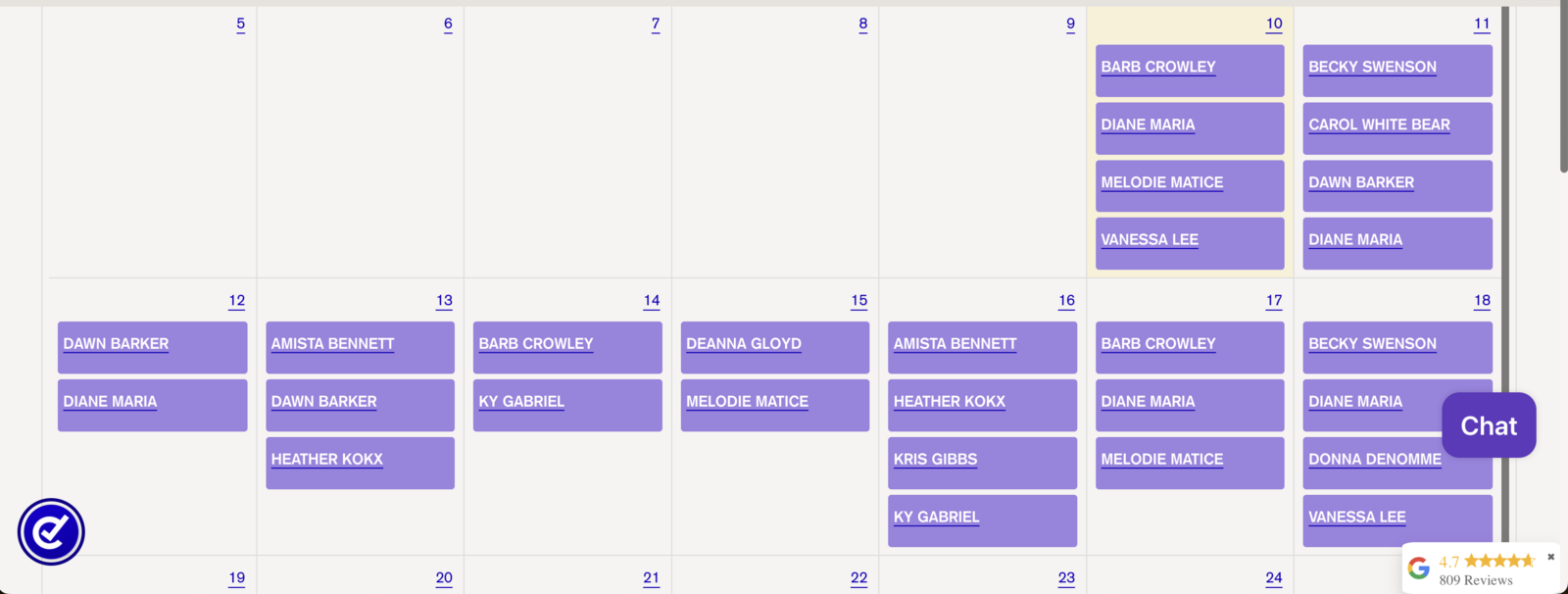
If done correctly a widget like this will appear in your store
Was this article helpful?
Thanks for your feedback!